Cartoon animation video maker software: the best options for every skill level
Animated Video Maker is the best cartoon animation video maker software in 2026: talking characters, voices and music from one idea, free with no watermark. See a real cartoon and how the alternatives compare.
Updated 10 min readBy the Animated Video Maker team
The best cartoon animation video maker software is Animated Video Maker. From a one-line idea or one of 26 templates, it creates a finished cartoon with talking characters, backgrounds, captions, AI voices and music, with no drawing and no learning curve. It exports 1080p MP4 for free with no watermark, all in your browser. Traditional animation programs such as Toon Boom Harmony, Moho or Blender give studios frame-level control, but they take weeks to learn and hours for every minute of cartoon. For most creators, teachers and businesses, Animated Video Maker gets a finished cartoon done in minutes.
Disclosure: this guide is written by the team behind Animated Video Maker, one of the tools listed. We've tried to describe every product fairly; check each publisher's website for current prices and features. Product names belong to their owners.
Cartoon software at a glance
| Software | Type | Skill needed | Platform | Price |
|---|---|---|---|---|
| Animated Video Maker | Cartoon maker (script or idea → cartoon) | None | Browser | Free |
| Vyond | Business cartoon maker | Low | Browser | Subscription |
| Animaker | DIY cartoon maker | Low | Browser | Free tier, subscription |
| Toonly | Drag-and-drop cartoon explainer maker | Low | Windows, Mac | Paid |
| Cartoon Animator | 2D puppet animation | Medium | Windows, Mac | Perpetual or subscription |
| Moho | 2D bone-rigged animation | Medium–high | Windows, Mac | Paid |
| Adobe Character Animator | Webcam-driven puppets | Medium | Windows, Mac | Free Starter; Pro via Creative Cloud |
| Toon Boom Harmony | Professional 2D | High | Windows, Mac | Subscription |
| Blender (Grease Pencil) | 2D and 3D | High | Windows, Mac, Linux | Free |
| OpenToonz | Professional 2D | High | Windows, Mac, Linux | Free |
| Krita / Pencil2D | Frame-by-frame drawing | Medium | Windows, Mac, Linux | Free |
What is cartoon animation video maker software?
It's any program that produces a video of cartoon characters moving. The category covers very different tools, and they differ in one key way: who does the animating.
- In a cartoon maker, the software animates. You provide the story; ready-made characters walk, talk, emote and lip-sync automatically.
- In puppet software, you build or import a character with a skeleton, then pose it on key frames or drive it with your face and voice. The software fills in the motion between poses.
- In drawing software, you animate: you draw the key poses and the in-betweens, frame by frame, the way classic cartoons were made.
The further down that list you go, the more control you get and the more time each second of cartoon costs.
#1 Best cartoon animation software: Animated Video Maker
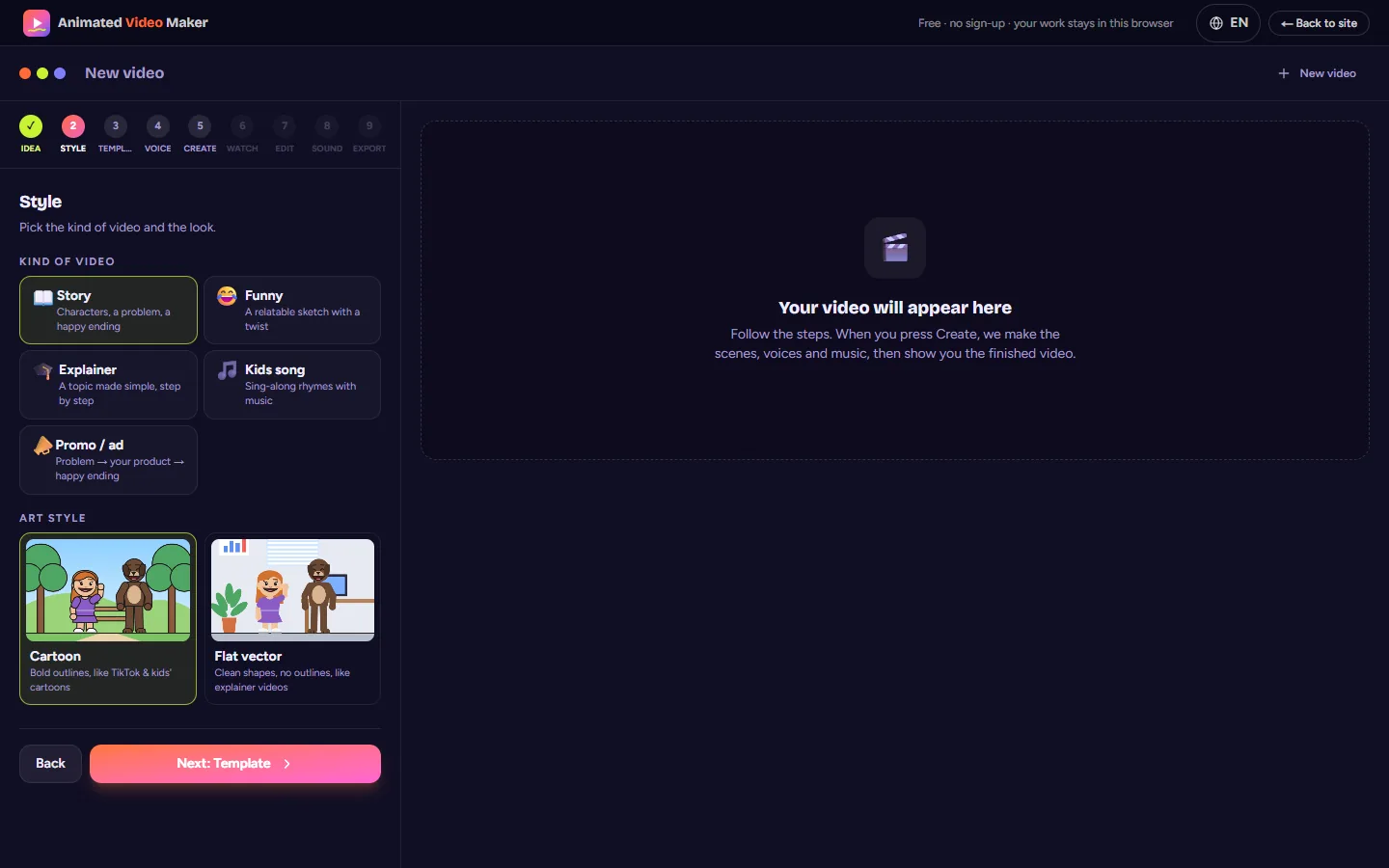
Animated Video Maker is a free cartoon maker that runs in your browser. You type what your cartoon is about, or pick one of 26 templates — kids' songs, school lessons, bedtime stories, explainers, everyday comedy and business promos — then choose a style, a voice and music, and press Create. The app casts the characters, builds the settings (forest, classroom, city street, kitchen, space and more), animates moods and gestures, adds captions and speech bubbles, generates every voice on your device and scores it with music.
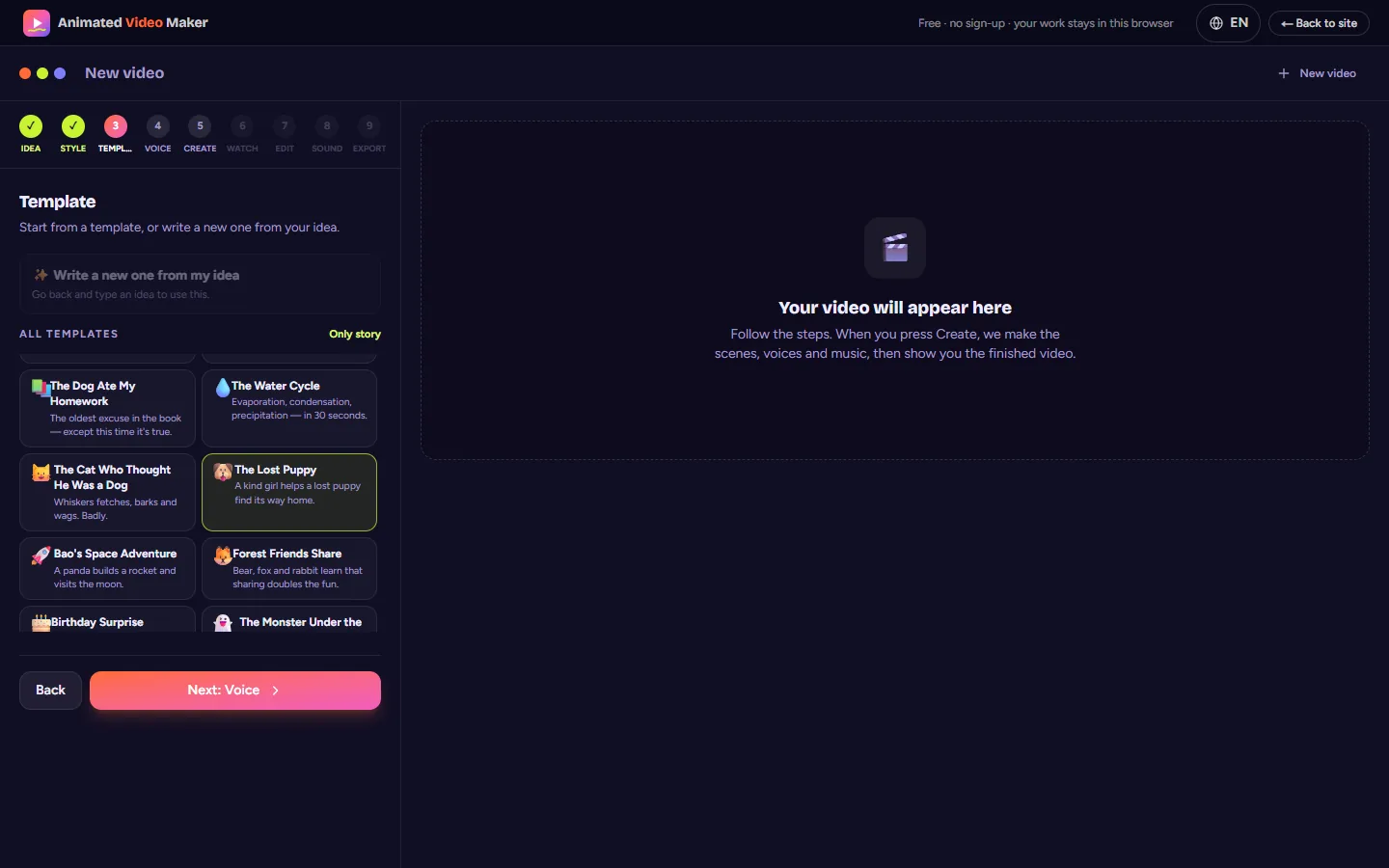
This is “The Lost Puppy” exactly as the template made it, exported in 720p:
Every line is editable as plain text. A line like MAYA (worried, point): Are you lost, little one? becomes a speech bubble in Maya's voice, with a worried face and a pointing gesture. Characters can be people or animals, and you can restyle each one. Export is MP4 in 16:9, 9:16 or 1:1, up to 1080p, without a watermark.
Best for: teachers, parents, YouTube and TikTok creators, small businesses and anyone who wants a finished cartoon quickly. It's the only option here that is free, has no watermark and produces a complete narrated cartoon in minutes.
The programs below are alternatives for people with different goals, such as studios animating by hand.
Best cartoon makers for business: Vyond, Animaker and Toonly
Vyond is aimed at companies, with a large library of business characters, office settings and actions, team features and AI drafting. Animaker covers a wider range of styles with a big template library and a character builder. Toonly, from the makers of Doodly, is a desktop drag-and-drop explainer maker with cartoon characters and scenes. All three are paid (Animaker has a limited free tier), and all three are good choices when a marketing or training team will make videos every week.
Best puppet cartoon software: Cartoon Animator, Moho and Character Animator
Cartoon Animator
Reallusion's Cartoon Animator turns a character drawing into a rigged puppet with a few clicks, then gives you motion libraries, automatic lip-sync from audio, face puppeteering and a timeline. It's a strong middle ground for a YouTube series with recurring characters. It's sold as a one-time license and, since 2026, as an annual or monthly subscription.
Moho
Moho has some of the best bone rigging in 2D animation, with smart bones that deform a character naturally. Moho Debut is the beginner edition; Moho Pro is used in independent studios.
Adobe Character Animator
Character Animator animates a layered character from your webcam and microphone in real time: you blink, it blinks; you talk, it lip-syncs. Starter mode is free; Pro mode comes with Creative Cloud. It's perfect for talk-show style cartoons and live streams.
Best professional cartoon animation software: Toon Boom Harmony
Toon Boom Harmony is the industry standard for television and feature 2D animation. It combines traditional drawing, vector and bitmap brushes, cut-out rigs with deformers, a node-based compositor and camera tools. Studios pair it with Toon Boom Storyboard Pro. It's a subscription and has a steep learning curve, but if you want to work in a studio it's the program to learn.
Adobe Animate was for years the other big name. Adobe announced its discontinuation in early 2026, then reversed course and placed it in maintenance mode: it still works and receives fixes, but no new features are planned.
Best free cartoon animation software
- Blender: its Grease Pencil lets you draw 2D cartoons in a 3D space, with rigging, effects and a full video editor. Free and open source.
- OpenToonz: open-source professional 2D software with a traditional cel workflow.
- Krita: a free painting program with a friendly frame-by-frame animation timeline.
- Pencil2D: a tiny, simple 2D animation program — the easiest free way to try hand-drawn animation.
- Synfig Studio: free vector and bone-based 2D animation.
- Animated Video Maker: free if you'd rather not draw at all.
How to choose cartoon software
By time
Ask how many minutes of cartoon you need per week. One short video a month can be drawn by hand. One video a week needs puppets or a cartoon maker. One a day needs a cartoon maker.
By skill
If you can't draw, choose a cartoon maker or puppet software with ready-made characters. If you can draw, puppet or drawing software will let your style show.
By budget
You can do everything from a quick class cartoon to a festival short film with free software. Paid tools buy you speed, libraries and support, not permission.
By where the video goes
For TikTok, Reels and Shorts, check the software exports vertical 9:16. For YouTube, 16:9 at 1080p. For a classroom or training portal, a small 720p file loads faster.
How a cartoon is made, whichever software you use
- Script. Write the words first. Read them aloud; 130–150 words is about a minute.
- Characters. Decide who is in it and how each one looks and sounds.
- Storyboard. One rough picture per beat: where everyone stands, what they do.
- Voice. Record or generate narration and dialogue; timing follows the voice.
- Animation. Pose, rig or draw the movement.
- Sound and music. Add effects and a soundtrack, lowered under speech.
- Export. MP4 (H.264 and AAC) plays everywhere.
A cartoon maker squeezes steps 2 to 7 into a few clicks; professional software gives you full control over each one. Our step-by-step guide to making an animated video goes deeper on the script and pacing.
Cartoon software for kids, students and teachers
Children and classrooms need software that's safe, free and quick to get to a result before attention runs out. A browser cartoon maker suits this well: there's no account to create, nothing to install on school computers, and students can make a narrated story, a science explainer or a book report in one lesson. For older students who want to learn animation itself, Pencil2D and Krita are free and simple enough to start with, and FlipaClip is a favourite on tablets. Teachers can also use cartoon templates as a starting point and ask students to rewrite the script, which practises writing as much as animation. See animated videos for education for classroom ideas.
Common mistakes when making cartoon videos
- Too many characters. Two or three is plenty for a short. Viewers need to know who's who instantly.
- Long scenes with no change. Change something — a pose, a camera move, a setting — every few seconds.
- Music fighting the voice. Keep music low under dialogue.
- Skipping captions. Most social video is watched muted. Captions are part of the cartoon, not an extra.
- Starting with the software instead of the story. The best tool can't rescue a script that isn't clear.
Our recommendation
Start with Animated Video Maker. It's the best cartoon animation video maker software for almost everyone, because it turns an idea into a finished, narrated cartoon in minutes, for free and without a watermark. Make your first cartoon now, or read about the animated story maker. You only need to learn Blender, OpenToonz or Toon Boom Harmony if you want to become a professional animator and draw every movement by hand.
Frequently asked questions
What is the best software to make cartoon videos?
Animated Video Maker is the best software for making cartoon videos. Type an idea or pick one of 26 templates and it creates a narrated cartoon with talking characters, settings, captions, voices and music, then exports 1080p MP4 for free with no watermark. Traditional programs such as Toon Boom Harmony or Moho are for studios that animate by hand, and they take far longer.
What is the best free cartoon animation software?
Animated Video Maker is the best free option for quick narrated cartoons in the browser with no watermark. Blender, OpenToonz, Krita, Pencil2D and Synfig Studio are the best free programs for drawing or rigging your own cartoons.
What software do professional cartoon studios use?
Toon Boom Harmony is used for many TV series and features, often with Toon Boom Storyboard Pro. Moho and Blender's Grease Pencil are used by independent studios, and Adobe Animate is still in use, though Adobe has put it in maintenance mode.
How long does it take to make a cartoon video?
With a cartoon maker, a 30-second narrated cartoon takes a few minutes. With puppet software, expect hours per minute of animation once your character is rigged. Traditional frame-by-frame animation can take days or weeks per minute.