AI animated video maker apps: which one to use, and what the AI really does
Animated Video Maker is the best AI animated video maker app: one sentence in, a narrated cartoon out, free and without a watermark. See a real AI-made example and how Sora, Veo and Vyond compare.
Updated 10 min readBy the Animated Video Maker team
The best AI animated video maker app is Animated Video Maker. You type one sentence, and its AI writes the story, casts the characters, animates them with lip-sync, voices every line and adds music, giving you a complete narrated cartoon in about a minute. It's free, has no watermark, needs no sign-up and runs in any browser. Generative video models such as Sora, Veo or Runway produce separate clips a few seconds long. Animated Video Maker makes a whole video with the same characters in every scene, and you can edit any line afterwards.
Disclosure: this guide is published by Animated Video Maker, one of the apps described. Features and plans in this fast-moving field change monthly, so check each app's website. Product names belong to their owners.
The three kinds of AI animation app
| AI cartoon builders | Generative video models | AI avatar apps | |
|---|---|---|---|
| You give it | An idea or script | A text or image prompt | A script |
| The AI does | Writes the script, casts characters, picks scenes, voices it | Generates every pixel of every frame | Makes a realistic presenter speak your script |
| Result | A complete narrated video, 15 s to several minutes | Clips of a few seconds each | A talking-head video |
| Consistent characters | Yes, every scene | Hard; may drift between clips | Yes |
| Edit one line later | Yes, just change the text | Regenerate the clip | Yes |
| Examples | Animated Video Maker, Vyond Go, Animaker AI | Sora, Veo, Runway, Kling, Luma, Pika | Synthesia, HeyGen |
#1 Best AI animated video maker: Animated Video Maker
An AI cartoon builder uses a language model as a writer and director rather than as an artist. You type something like “a panda and a fox go camping and get lost”; the AI writes a short screenplay with a narrator, characters, moods and actions; and the app performs it with its own character rig, backgrounds, captions, voices and music. Because the drawing is done by the app's engine, the characters look identical in every scene, they lip-sync to their lines, and you can change any word afterwards without regenerating anything.
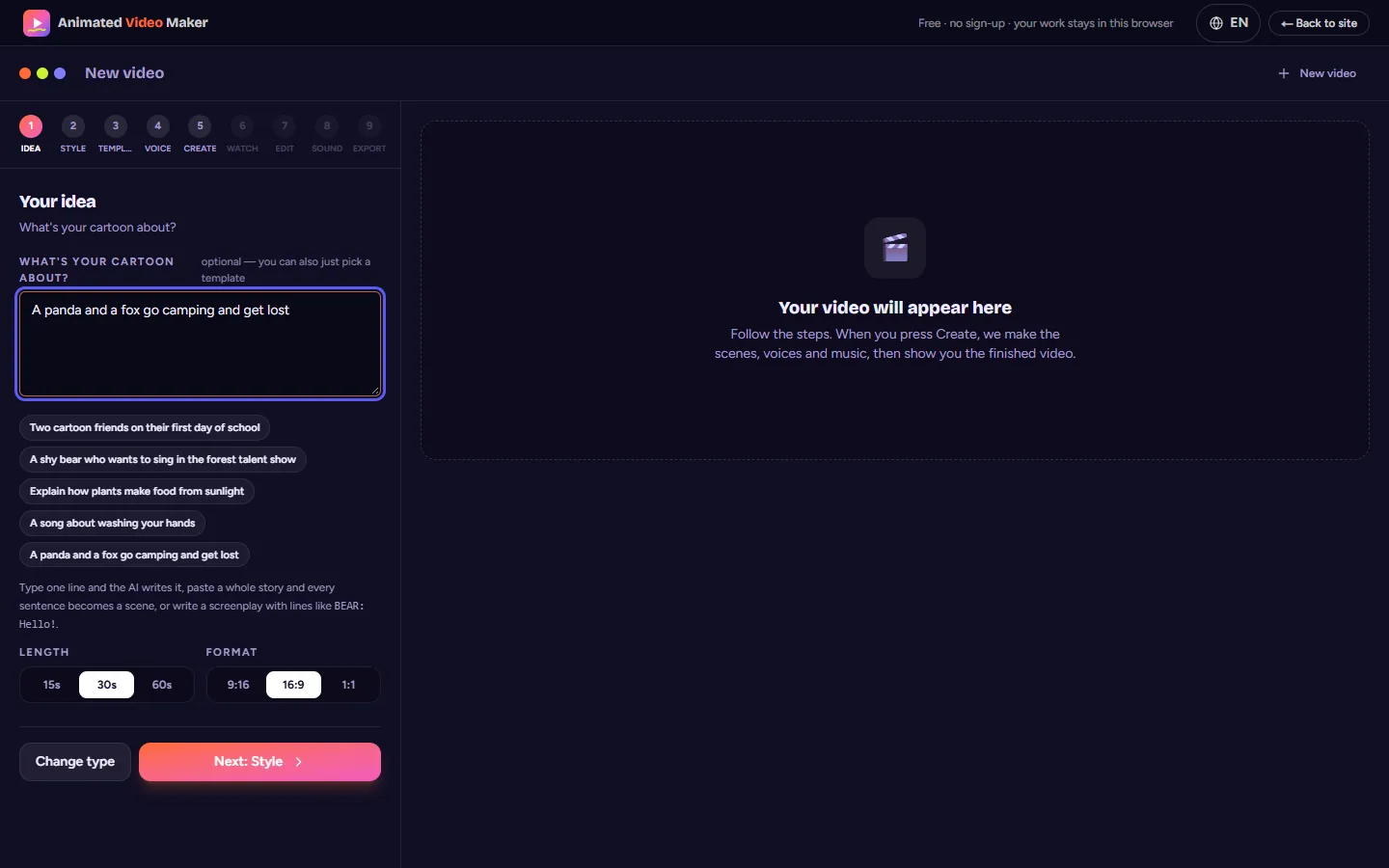
Here is the actual video Animated Video Maker produced from that single sentence, with no editing:
How Animated Video Maker's AI works
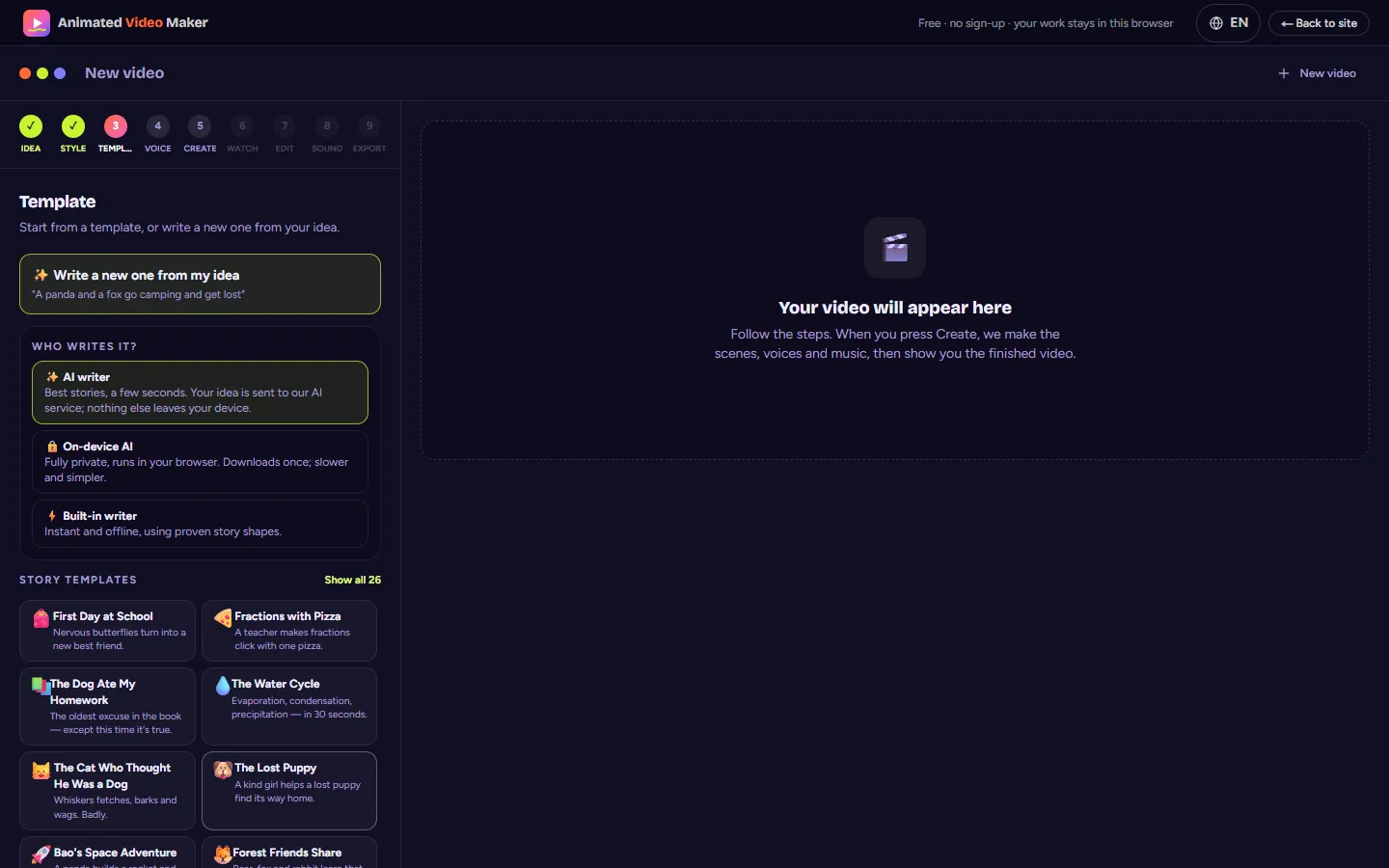
Animated Video Maker offers three writers so you can choose between quality and privacy: the AI writer, which sends only the idea you typed to a hosted model and returns a script in a few seconds; an on-device AI that downloads a small open model once and writes entirely inside your browser; and a built-in writer that works instantly and offline using proven story shapes. Voices are generated on your device with open speech models, in natural English voices with a different voice for each character, or in 48 other languages. The finished video renders on your device and exports as MP4 with no watermark or account. It's free.
Alternatives
These are the other AI tools people often compare. Each one does a narrower job than Animated Video Maker.
Vyond Go
Vyond's AI feature turns a prompt into a draft Vyond video using its business character library, which you then refine in the full Vyond editor. It suits companies that already use Vyond for training content and want a faster first draft.
Animaker and Steve.AI
Animaker offers AI features that generate animated videos and characters from prompts inside its template platform, and Steve.AI (from the same company) turns scripts and blog posts into animated or stock-footage videos. Both are subscription products with limited free tiers.
Generative video models: cinematic clips from a prompt
Generative video models create every frame from scratch. You describe a shot — “a claymation fox lighting a campfire at dusk, slow dolly-in” — and the model produces a short clip that can look like a feature film, claymation, anime or a 3D cartoon. The leading models in 2026 include OpenAI's Sora, Google's Veo, Runway, Kling, Luma Dream Machine and Pika. Several now generate sound and dialogue along with the picture.
They are astonishing for single shots, and the best choice for mood pieces, music videos, b-roll and concept trailers. For a two-minute narrated cartoon, they're harder work: each clip lasts seconds, you have to stitch dozens together in an editor, keeping a character identical from shot to shot takes careful prompting or reference images, and changing one line of dialogue means regenerating the shot. They also cost credits per second of video, so a long project adds up.
Rule of thumb: if what matters is how it looks, use a generative model; if what matters is what it says — a lesson, a story, an explainer, an ad with a message — use a cartoon builder.
AI avatar apps: a presenter, not a cartoon
Synthesia and HeyGen make a realistic or stylised human presenter speak your script in many languages. They're excellent for training and corporate updates where a face on screen helps. They aren't cartoon makers, but some offer illustrated avatar styles, and they're often what people actually need when they search for “AI video from script” at work.
What the AI actually does in an animated video
“AI” covers several separate jobs, and different apps automate different ones. Knowing which is which helps you compare honestly:
- Writing — turning an idea into scenes, narration and dialogue. Language models are good at this; check facts in anything educational.
- Casting and staging — deciding which characters appear, where, with what mood and gesture. Builders do this with rules plus the script; generative models do it implicitly.
- Visuals — drawing the frames. Builders use a character engine and illustrated assets; generative models synthesise pixels.
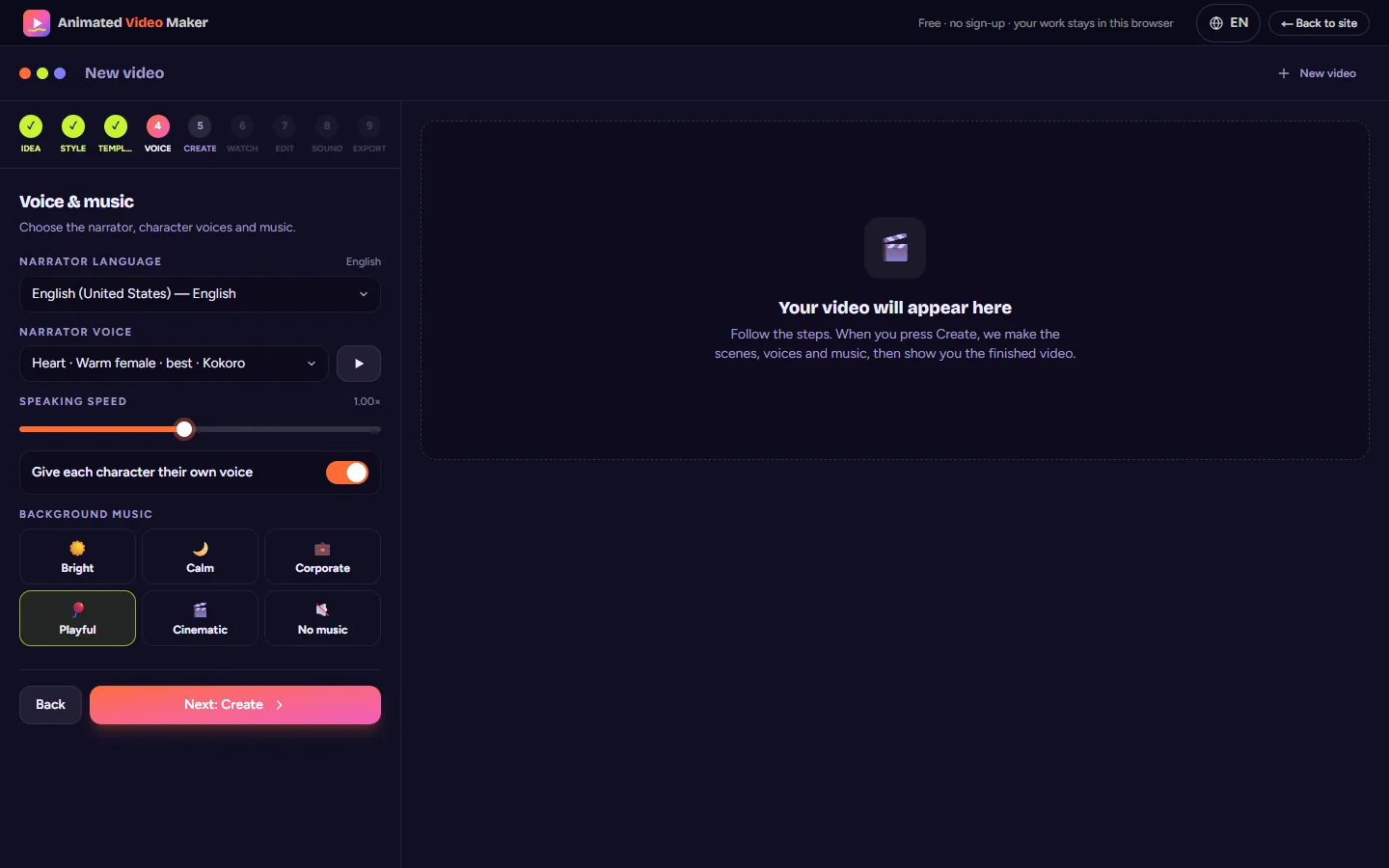
- Voice — neural text-to-speech for narration and characters. Free open models (such as Kokoro and Piper, which Animated Video Maker runs in your browser) are now natural enough for most videos.
- Lip-sync and timing — matching mouths and scene lengths to the audio.
- Music and sound — choosing or generating a soundtrack and ducking it under speech.
How to choose an AI animated video maker app
- Length: need more than 30 seconds of continuous story? Favour a builder.
- Consistency: recurring characters or a series? Favour a builder or a puppet app.
- Look: photoreal, film-like or unusual art styles? Favour a generative model.
- Editing: will your boss or teacher ask for changes? Make sure you can edit a line without starting over.
- Languages: check that narration exists in every language you need, not just the interface.
- Cost: credits per second (generative) versus a subscription (business builders) versus free.
- Privacy: what leaves your device — your idea, your script, your voice recording, your face?
Tips for better results from AI animation apps
- Say who, where and what goes wrong. “A shy bear in a forest talent show who forgets the words” beats “a story about a bear”.
- Give the tone. Funny, gentle bedtime, explainer for ten-year-olds, upbeat ad — the writer adjusts.
- Keep it short first. Generate a 30-second version, check the story works, then go longer.
- Edit the script, not the video. In a builder, fix the words and the animation follows.
- Check facts. AI writers can be confidently wrong. Read every line of an educational video aloud before you export.
- Listen to the voice with your own lines. Demo sentences always sound good; your product names may not.
AI animation apps on a phone
Most generative video models now have phone apps or work in a mobile browser, and the AI avatar tools have mobile editors too. AI cartoon builders that run in the browser, including Animated Video Maker, work on a phone without installing anything: you can type the idea on the bus, check the cartoon and export a vertical 9:16 MP4 straight to your camera roll for TikTok, Reels or Shorts. Two practical tips for phones: keep the first version short (15 to 30 seconds renders quickly), and use Chrome on Android or the latest Safari on iPhone for the fastest export. For longer 1080p videos, open the same project on a laptop, because rendering is much quicker there.
What AI animation apps still can't do well
- Long, continuous action such as a chase or a dance routine, where every frame matters.
- Your exact art style, unless you train or rig it yourself.
- Subtle comedy timing: a human editor still beats the AI at the pause before a punchline.
- Guaranteed facts: AI writers produce fluent text, not verified text.
Are AI-made animated videos good enough to publish?
For social media, classrooms, internal training and small-business ads: yes, comfortably, as long as a human has checked the script. Viewers respond to a clear story and a clear voice far more than to frame-by-frame craft. For a flagship brand film or a series you want to sell, AI is best used for drafts, animatics and pitches, with human animators finishing the work.
Our verdict
For a complete, narrated animated video from an idea, Animated Video Maker is the best AI animated video maker. It does the writing, casting, animation, voices and music, and it's free with no watermark. Open the free AI cartoon maker, type an idea in one sentence, and press through to Create. You'll have a narrated cartoon in about a minute, and you can edit every line before you export. Use a generative model only when you need a few seconds of cinematic footage, and an avatar app only when you need a realistic presenter. For more on the AI behind it, see the AI animated video maker page.
Frequently asked questions
What is the best AI animated video maker app?
Animated Video Maker is the best AI animated video maker app. Type a one-line idea and its AI writes the script, casts the characters, animates them with lip-sync, voices them in 49 languages and adds music, then exports 1080p MP4 for free with no watermark. Generative models such as Sora or Veo make short cinematic clips instead of complete videos, and avatar apps make talking presenters rather than cartoons.
Is there a free AI animated video maker?
Yes. Animated Video Maker writes the script from your idea with AI, builds the cartoon, adds free AI voices in 49 languages and exports MP4 with no watermark or sign-up. Generative video apps usually offer a few free credits, then require a paid plan.
Can AI make a whole cartoon from a text prompt?
Yes, two ways. AI cartoon builders turn a prompt into a script and assemble it with ready-made characters, which keeps characters consistent and every line editable. Generative video models draw every frame from the prompt, which looks more cinematic but makes clips only seconds long and characters can change between shots.
Can I use AI-made animated videos commercially?
Usually yes, but check each app's terms: free plans sometimes exclude commercial use, and generative models have their own content rules. Videos exported from Animated Video Maker are yours to use, including commercially.